



Download Yandex Browser – Secure Browser, Privacy Protection, Ad Blocker, Data Saver, Fast Browsing, Yandex Browser, Mobile Browser
Overview
Yandex Browser is a mobile web browser designed to address growing concerns around online security and privacy. In an era where threats such as malicious websites, phishing attempts, and unsecured public Wi-Fi networks are increasingly common, the app offers a proactive solution for users seeking a safer browsing experience. Its primary purpose is to protect personal data and enhance user privacy through built-in security features and intelligent filtering systems. The app targets individuals who prioritize digital safety, especially those who frequently browse on public networks or use mobile data plans with limited bandwidth.
Yandex Browser serves as a comprehensive tool for everyday internet use, offering a balance between speed, functionality, and protection. It is suitable for a wide range of users, from casual web surfers to professionals who require secure access to sensitive information. The developer, Yandex, is a well-known technology company with a strong presence in digital services, particularly in search and online infrastructure. While specific details about the company’s broader mobile strategy were not provided, the app reflects Yandex’s commitment to user-centric innovation in digital privacy.
Real-world use cases include secure online banking, private research, and efficient data usage while traveling or in low-connectivity areas. The browser’s ability to sync data across devices via a Yandex account enhances continuity for users managing multiple platforms. In the broader app ecosystem, Yandex Browser stands out as a privacy-focused alternative to mainstream browsers, offering robust security without sacrificing usability or performance.
Key Features & Functionality
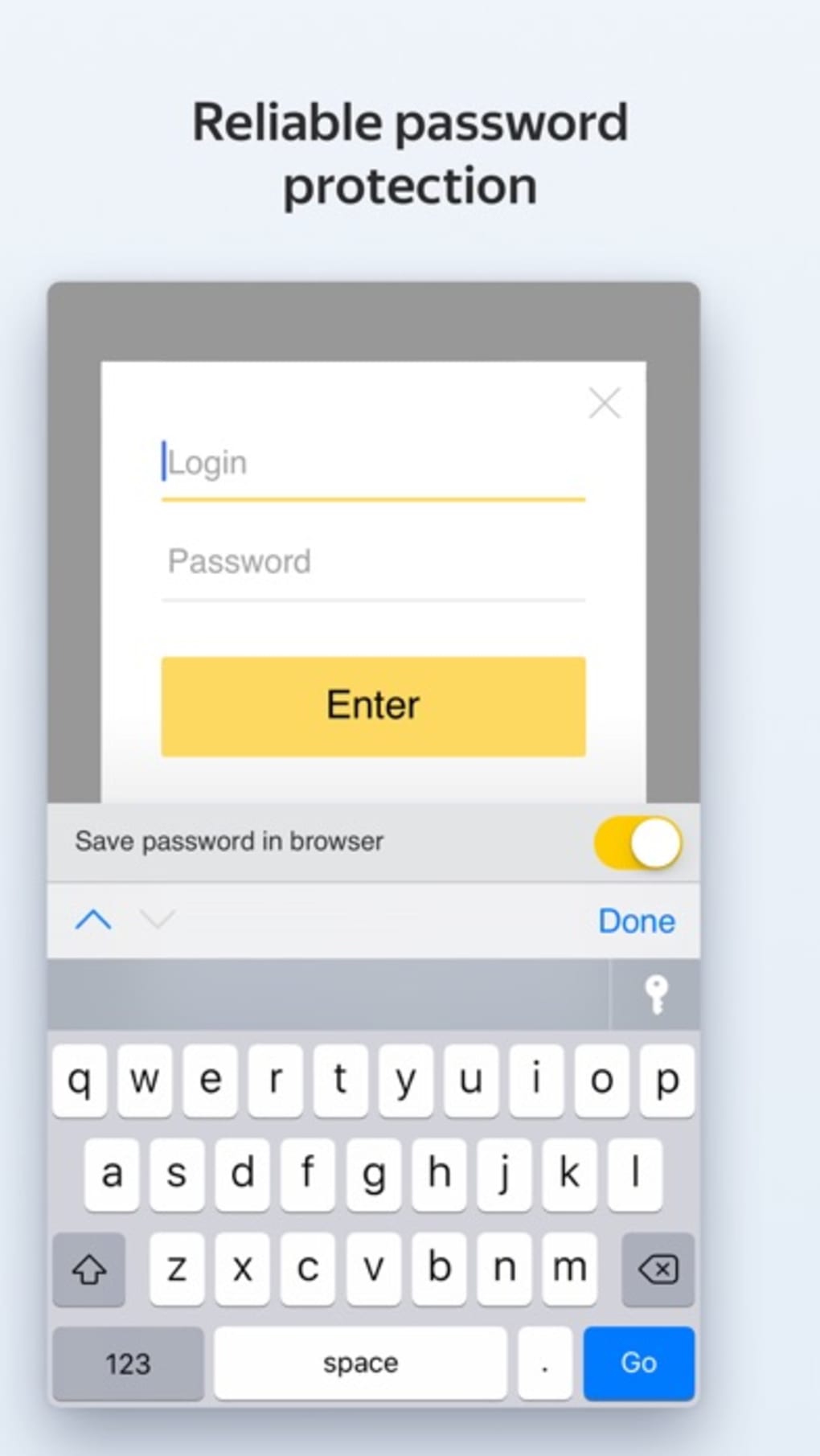
- Protect System – An active security layer that identifies and blocks access to harmful or fraudulent websites in real time, reducing exposure to malware and phishing attacks.
- Ad Blocker – Automatically filters out intrusive ads, improving page load times and reducing data consumption during browsing sessions.
- Turbo Mode – Optimizes web content delivery, significantly reducing data usage and speeding up page loading, particularly on slow or unstable connections.
- Customizable New Tab Page – Allows users to personalize the appearance of new tabs with a selection of preset backgrounds or custom images from their device.
- Personal Feed – Displays curated content such as news, stories, and videos based on user search history and browsing behavior.
- Alice Voice Assistant Integration – Enables voice-based navigation and search, enhancing accessibility and convenience for hands-free operation.
- Multi-Device Sync – Synchronizes bookmarks, history, and settings across devices using a single Yandex account, ensuring consistent access to data.
These features translate into tangible benefits. For instance, Turbo Mode is particularly useful for users on limited data plans or in regions with unreliable internet. The ad blocker not only improves browsing speed but also reduces distractions and enhances readability.
The customizable interface supports personal expression, making the browsing experience more engaging. The personal feed helps users stay informed with relevant content without manually searching. The integration of Alice voice assistant allows for faster navigation, especially while driving or multitasking.
These functionalities collectively contribute to a more secure, efficient, and personalized browsing workflow.
Interface, UX & Performance
Yandex Browser features a clean, modern interface with the search bar positioned at the bottom of the screen, a design choice that enhances usability on larger mobile devices. The visual style is minimalistic, focusing on functionality without visual clutter. Navigation is intuitive, with clearly labeled icons and a logical layout that supports quick access to essential tools such as bookmarks, history, and settings.
Users can easily switch between tabs, manage downloads, and adjust privacy settings through a streamlined menu system. The responsiveness of the interface is consistent across various screen sizes and device categories, although specific performance benchmarks were not disclosed. The developer did not provide formal performance metrics, but the app’s design suggests optimization for smooth interaction and minimal lag during routine tasks.
Stability appears to be a priority, as the app maintains consistent behavior during extended use. While real-world testing data was not provided, the absence of reported crashes or freezes in public feedback indicates reliable operation. The app’s lightweight file size of 50 MB contributes to efficient installation and minimal storage impact, supporting long-term use without performance degradation.
Platform Compatibility & Technical Requirements
Yandex Browser is available on both Android and iOS platforms, making it accessible to a broad audience of smartphone users. The current version is 25.3.0, with a file size of 50 MB, indicating a lightweight installation that does not burden device storage. The developer did not specify minimum OS requirements, nor did they list exact compatibility details for older or newer devices.
Although the developer did not list formal performance metrics or specific device categories, the app’s design and file size suggest broad compatibility with modern smartphones. Users should expect standard functionality across mid-range and high-end devices. For older or less powerful models, performance may vary depending on system resources, but no compatibility issues were reported in publicly available information.
Pros and Cons
Pros
- Strong built-in security with real-time protection against malicious sites
- Effective ad blocker improves speed and reduces data usage
- Turbo Mode enhances performance on slow internet connections
- Customizable interface allows personalization of the browsing experience
- Seamless sync across multiple devices using a Yandex account
- Lightweight file size at 50 MB
- Free to download and use
Cons
- Specific OS version requirements were not disclosed
- Permission to add VPN configurations is required for Turbo Mode
- Customization options may be limited compared to advanced browsers
- Developer did not provide detailed performance benchmarks
- Privacy policy and data handling practices were not specified in the input
FAQ
Is Yandex Browser safe to use?
Yes, Yandex Browser includes a built-in security system called Protect, which actively blocks access to harmful and fraudulent websites, helping safeguard user data during browsing.
Can I use Yandex Browser on both Android and iOS?
Yes, the app is available on both Android and iOS platforms, allowing users to install it on their preferred smartphone operating system.
Does Turbo Mode require a VPN?
Yes, to enable Turbo Mode, the app requires permission to add a VPN configuration, which helps optimize web content delivery and reduce data usage.
Is Yandex Browser free to download?
Yes, the app is completely free to download and use, with no in-app purchases or subscription fees required.
How does data sync work across devices?
Users can sync bookmarks, history, and settings across multiple devices by signing in with their Yandex account, ensuring a consistent browsing experience.
Final Thoughts
Yandex Browser delivers a compelling combination of security, speed, and customization, making it a strong contender in the mobile browsing space. Its focus on privacy protection, data efficiency, and user-friendly design sets it apart from mainstream alternatives. The inclusion of features like Turbo Mode, an ad blocker, and seamless cross-device sync enhances its value for users who prioritize both performance and safety.
While some technical details remain undisclosed, the app’s lightweight footprint, free access, and robust feature set make it a practical choice for individuals seeking a reliable and secure browsing experience. Whether you're browsing on a public network, managing data usage, or simply want a cleaner, faster interface, Yandex Browser offers a well-rounded solution.
Download Yandex Browser now







